Description
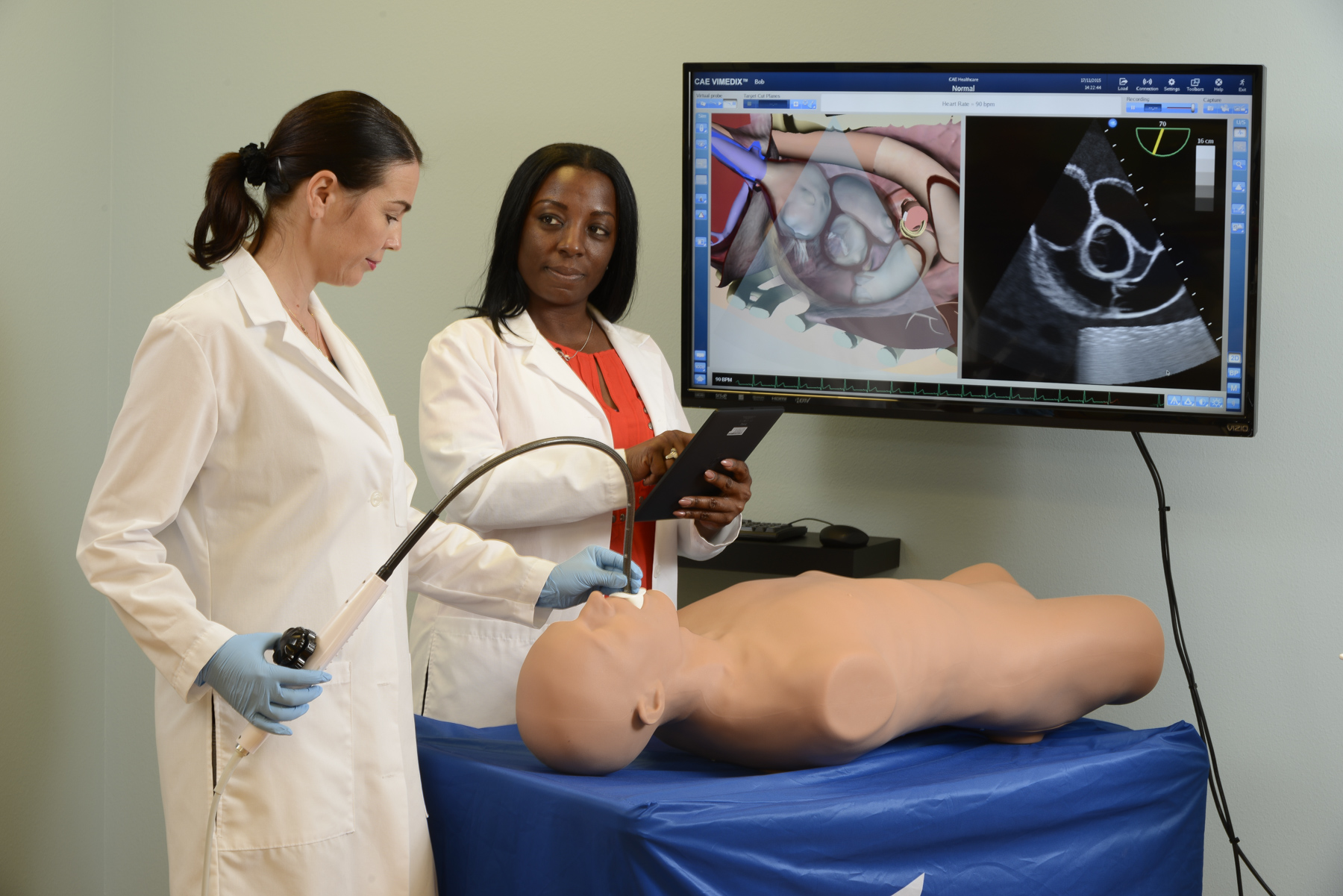
The CAE Vimedix education course teaches ultrasonography instructors how to use the Vimedix ultrasonography simulator as a training tool for the acquisition and improvement of ultrasonography skills for assessing cardiac, abdominal and pelvic structures. The hands-on course shows participants how to navigate the interface and use the ultrasound simulator features, from instructor-led to self-training. The course also offers a number of tips and tricks that ultrasonography instructors can use themselves to enhance their students’ learning experience.
Day one focuses on the CAE Vimedix Cardiac and Abdominal Ultrasound simulator. Day two focuses on the CAE Vimedix Ob/Gyn Simulator.
You can choose to attend both days or one day - once your place is confirmed, please let us know if you are planning to only attend one day.
After completing the Ultrasound Simulator Essentials Course, the participant will be able to:
- Identify the components of the CAE Vimedix Ultrasound Simulator (s)
- Power the simulator on and off by following the recommended sequence of steps
- Select, attach and calibrate the probes depending on the type of ultrasound examination required
- Resolve image interference
- Identify the components of the interface and navigate to create a learning experience.
- Utilise the ultrasound and augmented displays and set up features such as target cut planes, metrics for example to enhance learning
- Use the measurement and Doppler features
- Launch the pathology cases in normal and stealth mode
- Know how to update the software as required
- Perform basic maintenance to keep simulator in good working condition
> All courses are subject to cancellation if minimum enrollment has not been reached 30 days prior to the course date. All courses will be held in English unless otherwise specified.