Home » Ressources » Tutoriels vidéo et conseils
Search
Or Filter by:
Videos | Tips & Tricks
Getting Started with Apollo/METIman and a Macintosh Instructor Workstation_fr
Cette vidéo explique comment mettre le simulateur et l'ordinateur MacBook sous tension, établir une connexion sans fil et lancer le logiciel Müse.
Attaching Apollo/METIman’s Lower Legs_fr
Visionnez cette vidéo pour apprendre comment brancher les membres inférieurs du simulateur Apollo/METIman.
Unpacking Your Apollo/METIman Simulator and Locating the Serial Number_fr
Cette vidéo vous explique comment déballer votre simulateur en toute sécurité et identifier son numéro de série.
Using TouchPro_fr
Cette vidéo explique comment utiliser le logiciel d'oscilloscope simulé TouchPro.
Cleaning the Trauma Fill Tank_fr
Visionnez cette vidéo pour apprendre comment prendre soin de votre réservoir Trauma après utilisation.
Preparing METIman or iStan for Hands-Free Defibrillation, Cardioversion, and Pacing_fr
Cette vidéo explique comment préparer correctement le simulateur Apollo, METIman ou iStan pour la défibrillation, la cardioversion et la stimulation mains libres.
Preparing Apollo, METIman or iStan for Standard Defibrillation, Cardioversion, and Pacing_fr
Cette vidéo explique comment préparer correctement le simulateur Apollo, METIman ou iStan pour la défibrillation, la cardioversion et la stimulation standard.
Using a CO2 Canister with iStan_fr
Visionnez cette vidéo pour apprendre comment connecter correctement une bonbonne de CO2 sur le simulateur iStan.
Performing Needle Decompression on iStan_fr
Cette vidéo explique comment utiliser la fonction de décompression à l'aiguille du simulateur iStan.
Flushing iStan’s Intraosseus Infusion Sites_fr
Cette vidéo explique comment rincer correctement les sites d'injection intra-osseuse du simulateur iStan.
Priming iStan’s Intraosseous Infusion Sites_fr
Cette vidéo explique comment préparer correctement les sites d'injection intra-osseuse du simulateur iStan
Draining iStan’s On-board Clear Fluid System_fr
Cette vidéo explique comment drainer les réservoirs de liquide transparent intégrés du simulateur iStan.
Changing iStan’s Genitalia_fr
Cette vidéo explique comment changer les organes génitaux du simulateur iStan de manière correct et sans humour.
Using iStan’s Genitourinary System_fr
Une fois le système de liquide transparent du simulateur iStan rempli, visionnez cette vidéo pour apprendre comment préparer le simulateur iStan et le logiciel Müse pour le débit urinaire.
Using iStan’s On-Board Clear Fluid System_fr
Une fois le système de liquide transparent intégré du simulateur iStan rempli, visionnez cette vidéo pour apprendre comment activer les sorties de liquide transparent du simulateur iStan et comment régler leur débit.
Preparing iStan’s On-Board Clear Fluid System_fr
Visionnez cette vidéo pour apprendre comment préparer le système de liquide transparent intégré du simulateur iStan.
Using iStan’s Chest Tube Feature_fr
Une fois le réservoir de sang intégré du simulateur iStan rempli, visionnez cette vidéo pour apprendre comment préparer le simulateur iStan et le logiciel Müse pour la gestion du tuyau de vidange thoracique.
Using iStan’s On-Board Bleeding System_fr
Une fois le réservoir de sang intégré du simulateur iStan rempli, visionnez cette vidéo pour apprendre comment préparer le simulateur iStan et le logiciel Müse pour simuler un saignement veineux ou artériel depuis l'un de ses 5 sites.
Preparing iStan’s On-Board Bleeding System_fr
Visionnez cette vidéo pour apprendre comment amorcer le réservoir de sang intégré du simulateur iStan.
Obtaining Non-invasive Blood Pressure Measurements with iStan_fr
Cette vidéo explique comment utiliser le matériel iStan et le logiciel TouchPro pour effectuer une mesure de la pression sanguine non invasive
Connecting the SpO2 Probe to iStan_fr
Cette courte vidéo explique comment connecter la sonde SpO2 à votre simulateur iStan.
Getting Started with iStan and a Tablet Instructor Workstation_fr
Cette vidéo explique comment mettre le simulateur et la tablette sous tension, établir une connexion sans fil et lancer le logiciel Müse.
Unpacking iStan and Finding the Serial Number_fr
Le poids du simulateur iStan est réaliste. Cette vidéo vous explique comment déballer votre simulateur en toute sécurité et identifier son numéro de série.
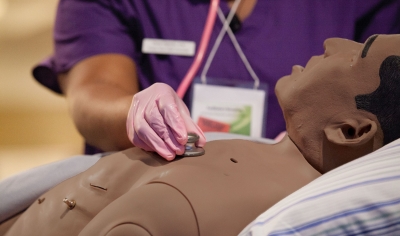
Tips for Pacing Your iStan Manikin
Tips & Tricks for Pacing iStan Patient Simulator
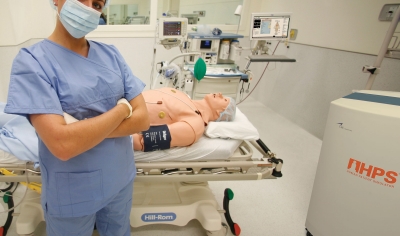
Tips for Immediate Flow in Overflow Bottle
Tips & Tricks - Immediate Flow in Overflow Bottle
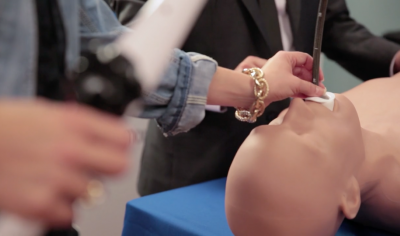
See How the Vimedix Ultrasound Simulator Enriches the Learning Experience
The Vimedix ultrasound simulator combines augmented reality, hands-on training and a large library of clinical cases to deliver realistic training for cardiac, abdominal and Ob/GYn ultrasound professionals.
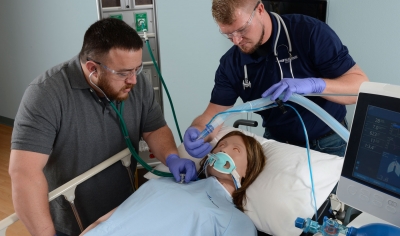
Simulating the Mechanical Ventilation Feature on Your Simulator with Müse
If your simulator cannot be placed on mechanical ventilation, you can simulate this by using your Müse software.

Quick Tips For Your Patient Simulator
Here are a couple of quick tips to help you maintain your patient simulator,
Pacing Your iStan Patient Manikin
Need description here
Shutting down the iStan simulator - FR
This video shows you how to correctly shut down the iStan patient simulator.
Priming iStan’s IV System - FR
Cette vidéo explique comment préparer correctement le système de perfusion du simulateur iStan
Preparing iStan for a Cricothyrotomy - FR
This step-by-step video shows you how to properly prepare the iStan patient manikin for difficult airway management and cricothyrotomy procedures.
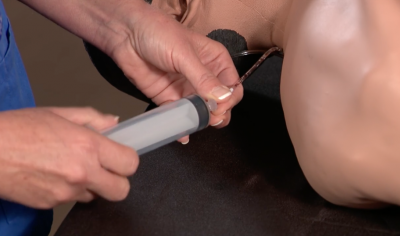
How to Flush the IV System of iStan - FR
Watch to find out how to drain and then correctly flush the IV system of your CAE iStan simulator.
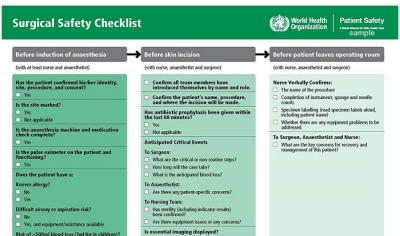
How to Design a Surgical Checklist for Patient Safety
Surgical checklists have demonstrated the capacity to improve patient safety.
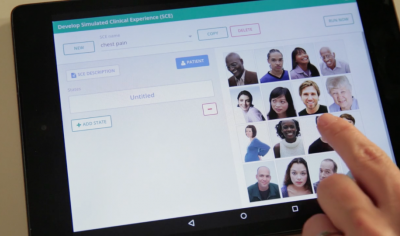
How to Create a Simulation Scenario on Vïvo
How to Create a Simulation Scenario on Vïvo
Watch to learn how you can easily create a scenario for Apollo or Athena with the CAE Vïvo hand-held platform.
How to Activate a Muse Instructor Workstation and SCE Development Software Offline
This brief, but essential, Müse License Key Activation Tutorial will guide you through the steps to activate your Müse instructor workstation and SCE development software license key offline for optimal operation.
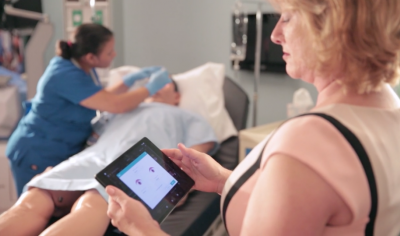
How Does Vïvo Work?
Whether you're a novice simulation instructor, or a veteran clinical educator, Vïvo is the hand-held training platform that easily puts you in complete control of the patient simulation encounter. With Vïvo, you're in charge of how you connect with your learners.
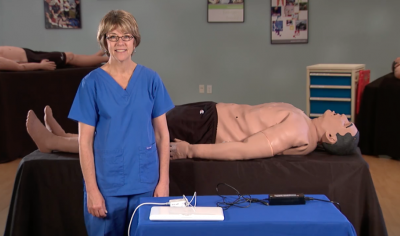
Getting Started with iStan and a Macintosh Instructor Workstation-FR
Cette vidéo explique comment mettre le simulateur et l'ordinateur MacBook sous tension, établir une connexion sans fil et lancer le logiciel Müse
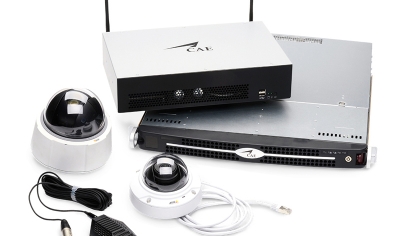
5 Mistakes to Avoid When Installing an Audio Visual System for Debrief
Are you capturing your simulation training sessions on video? These days, most medical simulation activities are recorded so they can be replayed during a multimedia debrief.
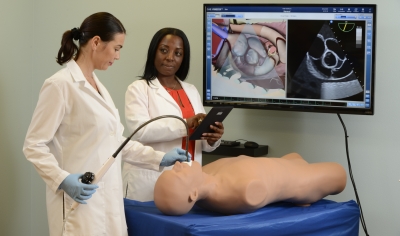
4 Practical Tips for Choosing an Ultrasound Trainer Model
Here's assistance in finding the most reliable and reputable ultrasound trainers to achieve training goals.