 Worldwide Presence

CAE Healthcare “How-To” Videos: Add Realism to Your Patient Simulations
Have you ever wondered about simulator battery replacement? Or, do need to know how to properly perform needle decompression on a METIman? What about questions concerning the use of your Touch-Pro software?
Well, if you've ever encountered questions like these and have been searching for the answers, look no further than to our Video Tutorial Series.
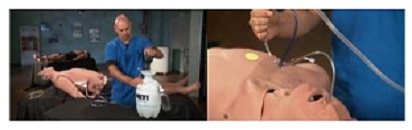
The CAE Healthcare Academy has launched a series of “how-to” videos that will help instructors add realism to their patient simulations. Starring our high-fidelity patient simulators, METIman, iStan and Caesar, these expert videos offer carefully explained, step-by-step instructions for a multitude of essential tasks. From preparing a simulator to bleed, sweat, and cry, to activating the MUSE software and locating your simulator's serial number, you're sure to find the information you need in these tutorials.
Our how-to videos were filmed in CAE Healthcare’s simulation lab in response to questions from customers and feature clinical educators Diane Mathe and Jerry Andrews. We invite you to take a look at these tutorials in conjunction with the official user guides for your particular product.
If you have any additional questions, feel free to leave a comment or suggestion below.
You may also call our 24-hour customer service hotline at +1-941-342-5605, or the toll-free number in North America, +1-866-462-7920.
View our complete selection of expert How-To Video Tutorials here